OtheReality
UXUI design and branding for a VR platform that builds empathy by helping teams see through the eyes of their customers and patients
My Role
Branding
UXUI
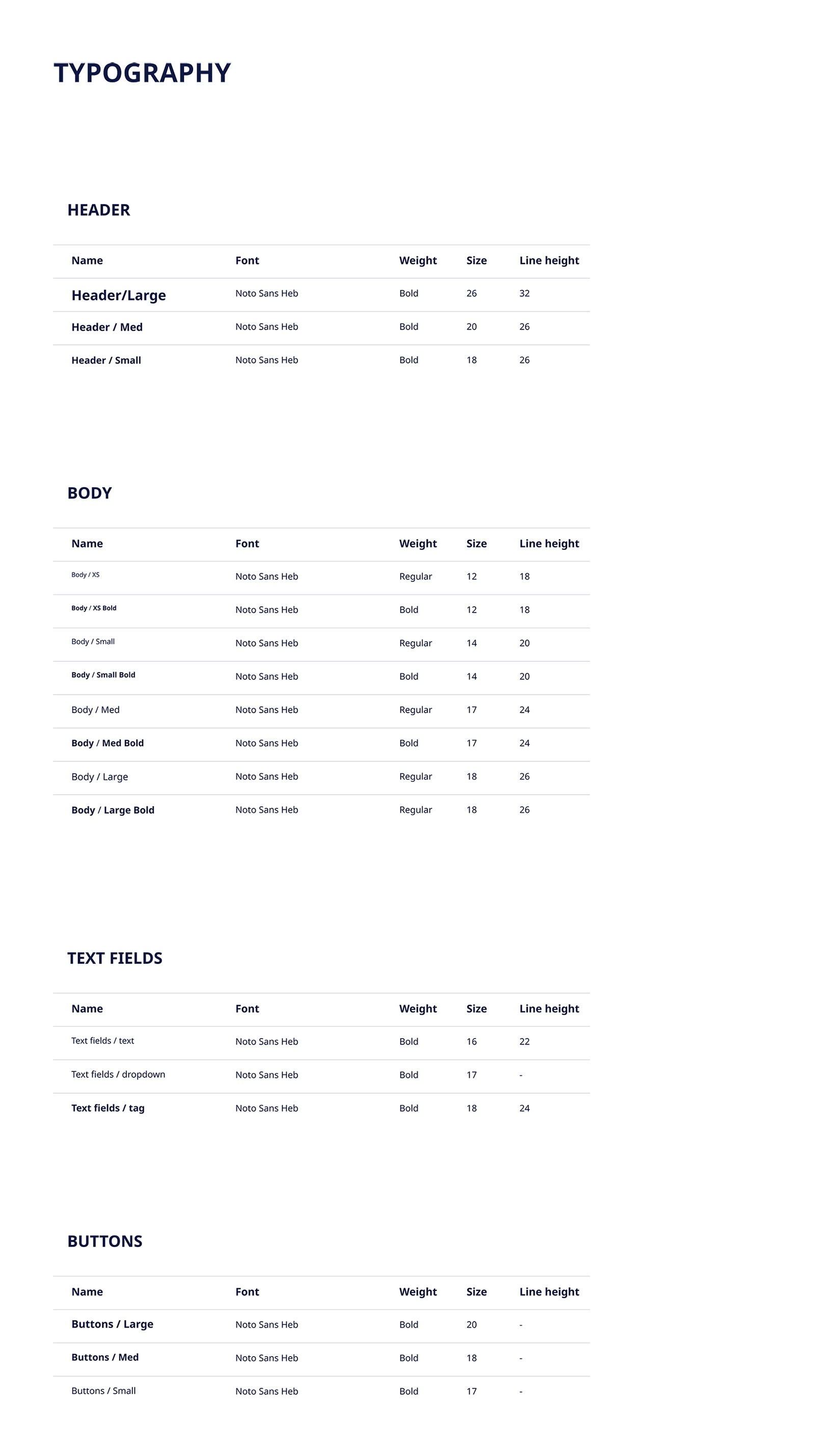
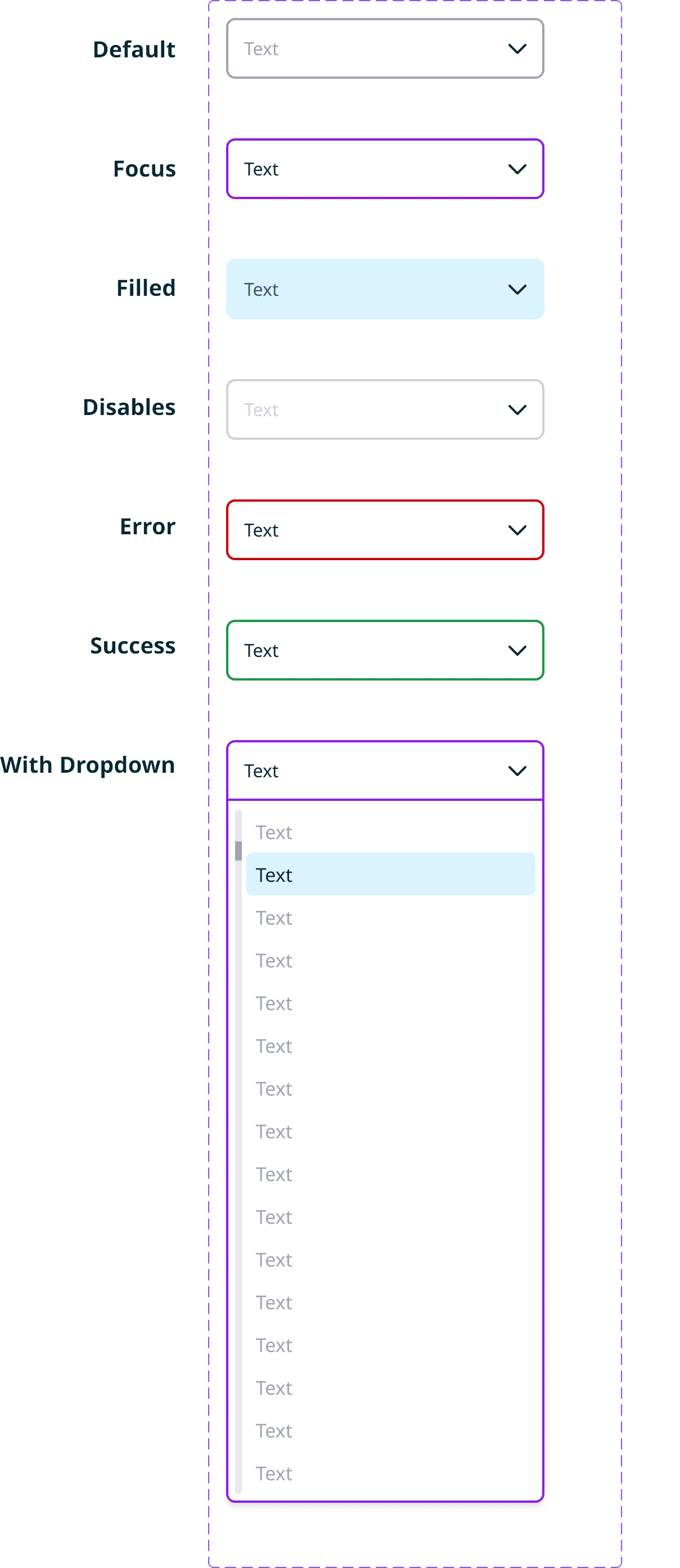
Design system
Illustrations
OtheReality
The client is a company specializing in immersive learning experiences for the workplace, using VR technology to support empathy, and interpersonal awareness.
Their programs are used by organizational teams across various sectors to enhance internal communication and personal growth. The app serves as a key tool in this process - guiding users through structured exercises designed to increase self-reflection and team cohesion.
This project
This project involved the redesign of a VR-based training app used by workplace teams. The experience is both personal and collective: each user goes through individual reflection exercises, but within the context of a shared organizational environment.
My role
My role focused on shaping both the product’s overall experience and its visual identity.
I joined after an initial UX framework was outlined, and evolved it through design exploration, defining flows, logic, and interaction patterns.
From there, I developed the detailed UX and visual language, built the design system, and delivered production-ready design files to development.
Case Study (1)
Optimizing Download Experience
Background
To start a training session, users must download a video to their device. Since the app downloads videos individually and deletes them after use, a new download is required each time a session begins.
Initial Approach
When users selected a training session, the download started immediately, and the system forced them to wait until it was complete before proceeding. The button label changed to “Downloading…,” and users had no choice but to wait. While download times were relatively short, this introduced unnecessary friction at the start of the session.
Challenge
At this early stage, users are not yet engaged with the session. Being forced to wait before even starting increases the likelihood of frustration and drop-off. Since they haven’t yet interacted with any content, they have little motivation to be patient. A delay at this point can feel longer than it actually is, leading to potential abandonment before users even begin the training.
Optimized Solution
To improve the experience, I proposed starting the download in the background while users navigate through the initial screens. Instead of making the download process visible and forcing users to wait, it would now run silently. Only if the user reaches the video step before the download is complete, a progress bar will appear to inform them that the video is about to be ready.
Outcome
This solution minimizes perceived wait time, reduces early-stage drop-off, and keeps users engaged. By leveraging natural navigation time for background tasks, the experience feels faster and more fluid, improving overall retention and user satisfaction.
Case Study (2)
Team Progress Visualization
Background
The app provides VR training exercises for employees as part of their workplace development. Initially, users could only see the current exercise they were working on, with no visibility into past or future exercises. There was also no indication of how their progress related to their team’s overall engagement.
Challenge
The goal was to create a sense of individual progress while reinforcing team participation. Since training was designed for workplace teams, it was important to frame the experience as both personal and collective. By doing so, we aimed to build trust in the app and increase motivation to complete exercises. However, we needed to ensure that team-based progress tracking encouraged engagement rather than discouraging users who felt behind.
New Feature: Team Progress Bar
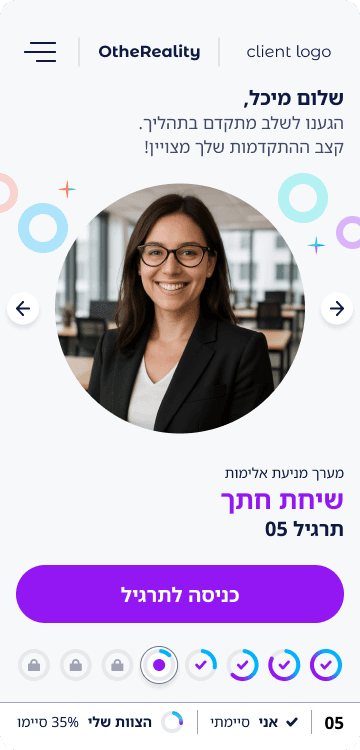
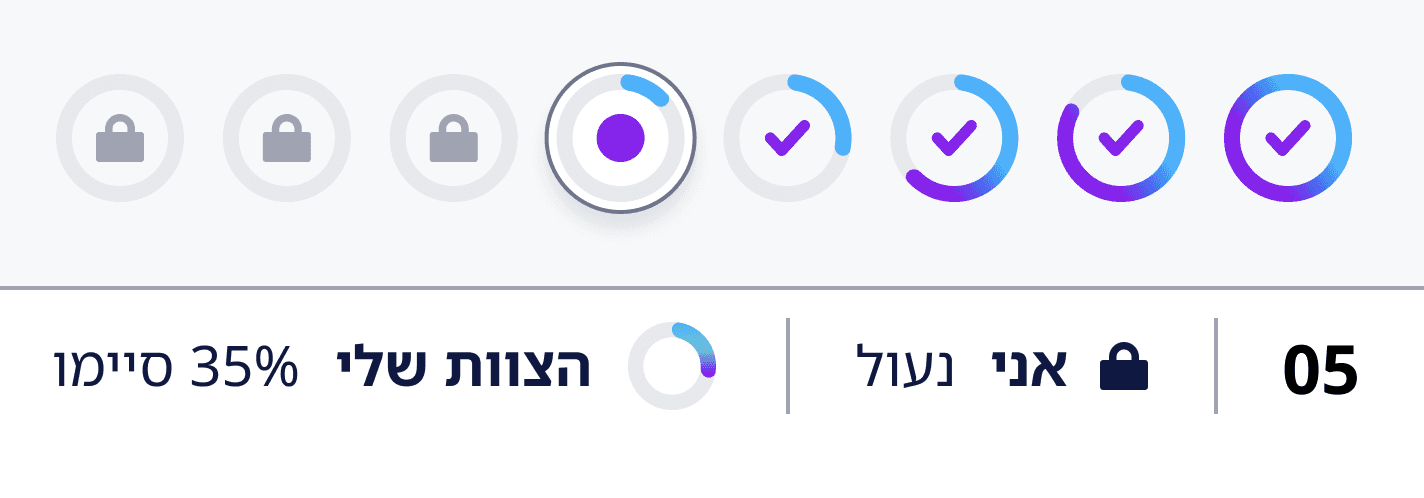
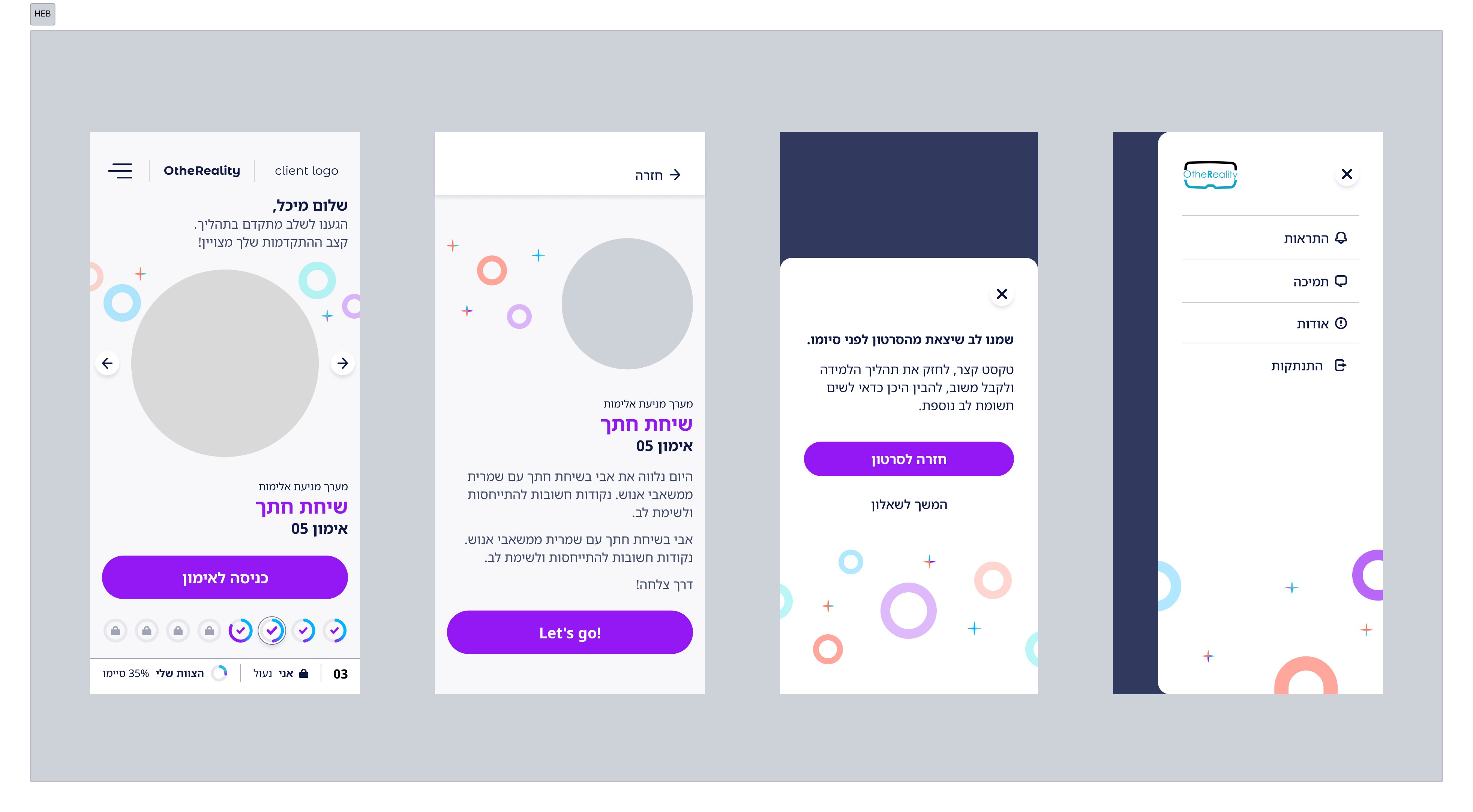
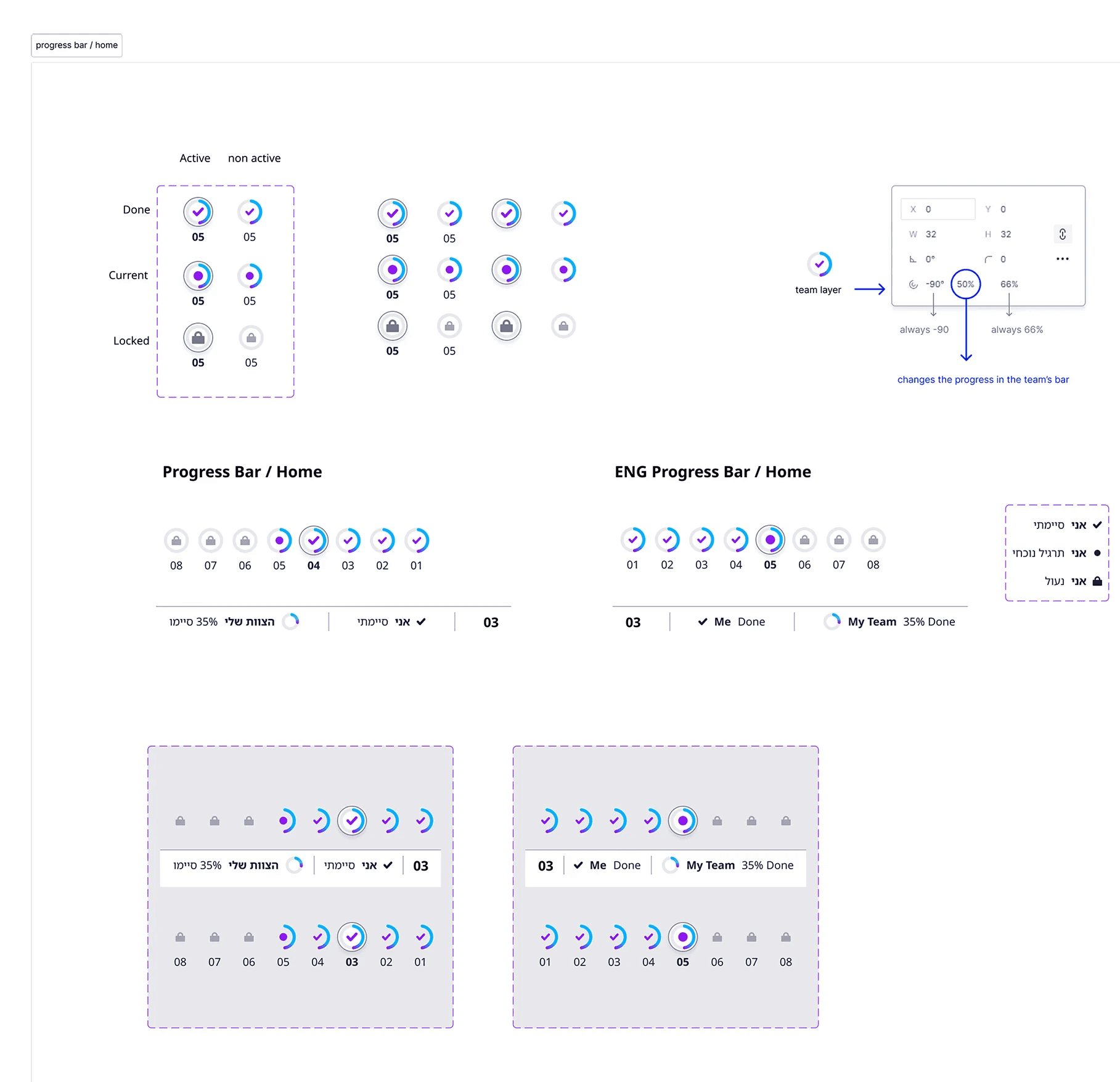
In the redesigned experience, users could now browse between exercises on the home screen - both completed exercises and upcoming ones (which remained locked). At the bottom of the screen, we introduced a Team Progress Bar displaying all exercises in the session. Each exercise was represented by a numbered circle with an icon indicating its status:
Completed
A checkmark for exercises the user had finished.
In progress
A highlight for the current exercise.
Locked
A lock icon for future exercises.
Each numbered circle also included a dynamic progress ring that visually represented the percentage of the team that had completed that exercise. The fuller the ring, the higher the team’s completion rate - until it was fully filled when 100% of the team had completed the exercise.
Impact
This design reinforced a sense of collective progress without applying direct peer pressure. Users could see where they stood in relation to their team, but in a way that encouraged engagement rather than competition. Framing it as a visual team effort -rather than a leaderboard - helped create motivation through participation, making users feel they were progressing together. The result was an improved sense of belonging, increased exercise completion rates, and stronger trust in the training experience.
Branding
From light to meaning: a visual metaphor
At the heart of the branding process was a simple idea: perspective. The same concept that lies at the core of the app’s experience - offering users a new way of seeing - also became the foundation of its visual language.
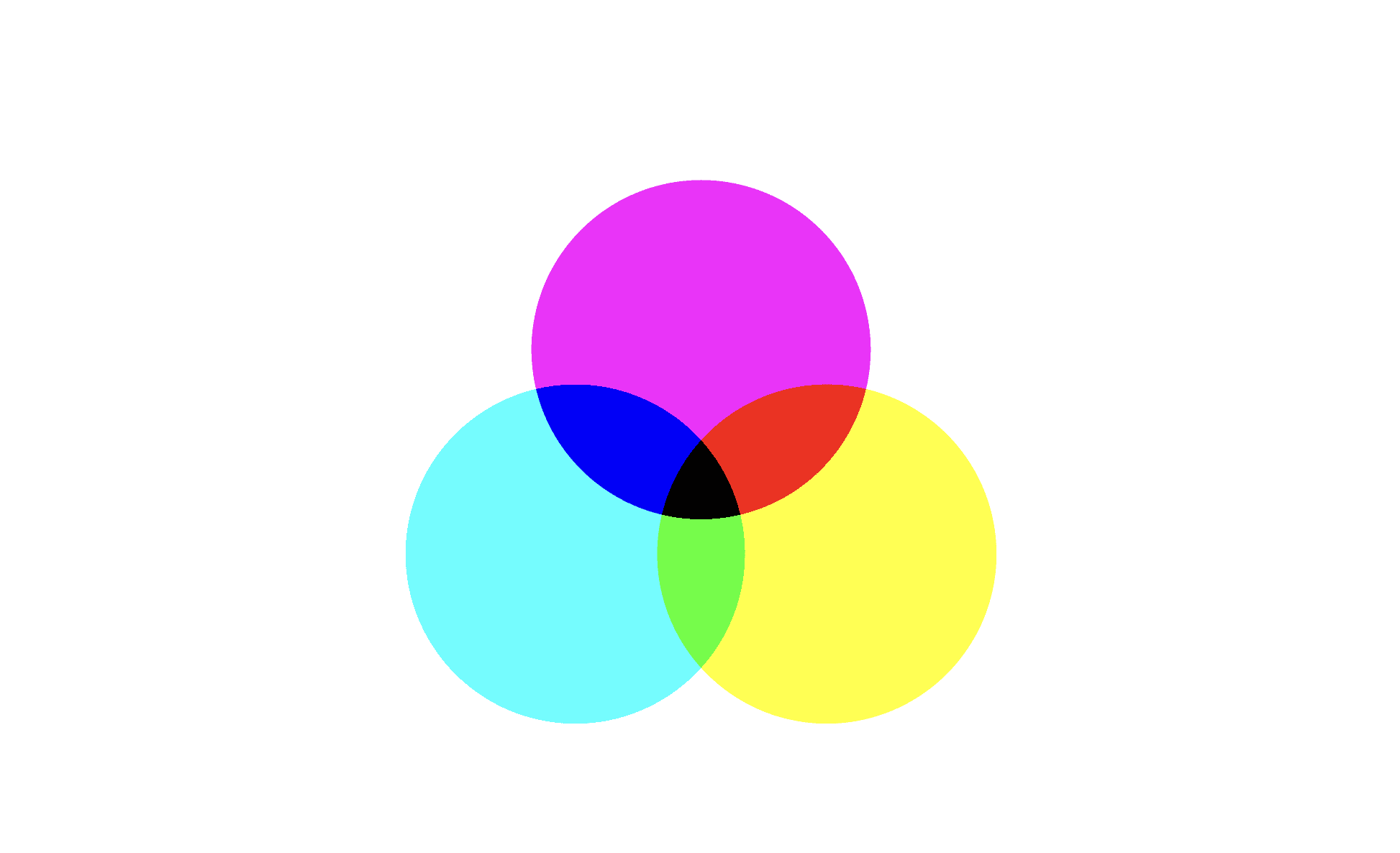
Starting with light...
I began by exploring the behavior of light. how particles of light become color in the human eye, and how shifts in point of view, like moving a lens, transform the appearance of light in an image.
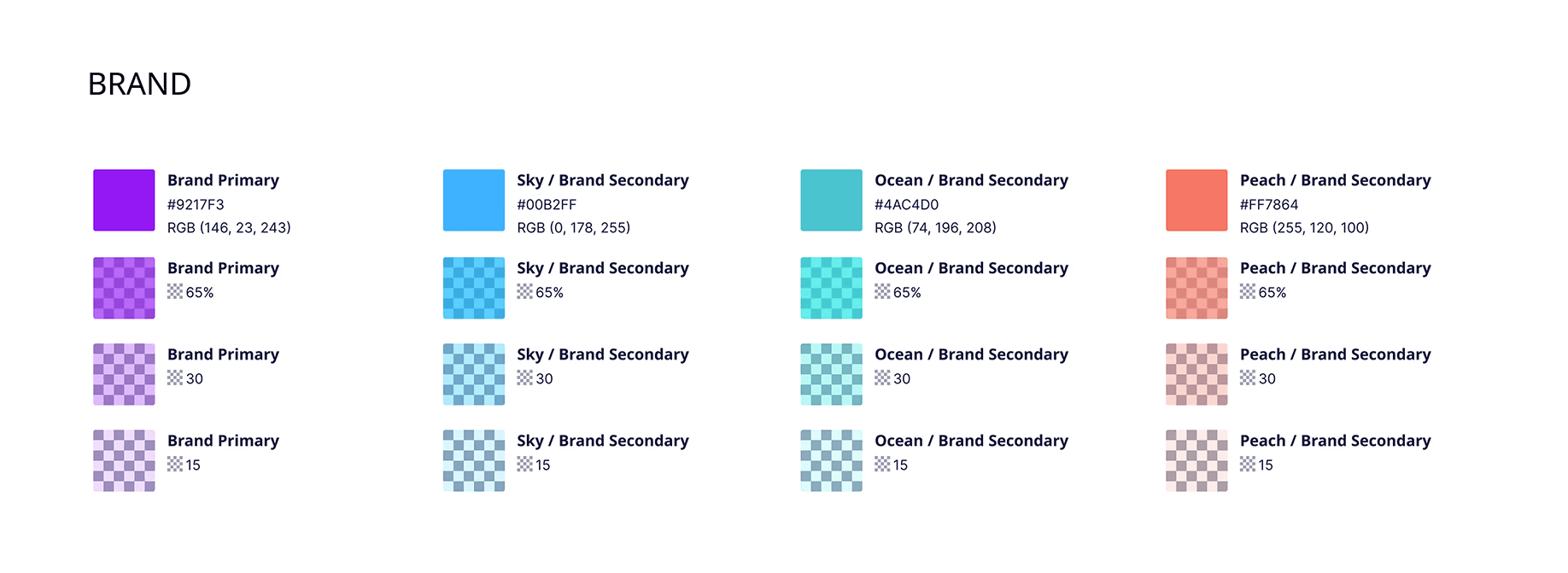
Since the app is a digital entity, I turned to screen-based color logic, where color is formed through additive blending of light. I started with the three primary RGB colors and developed a more refined palette - softer, more nuanced tones derived from that base, as the pure primaries felt too intense for the brand’s emotional tone.
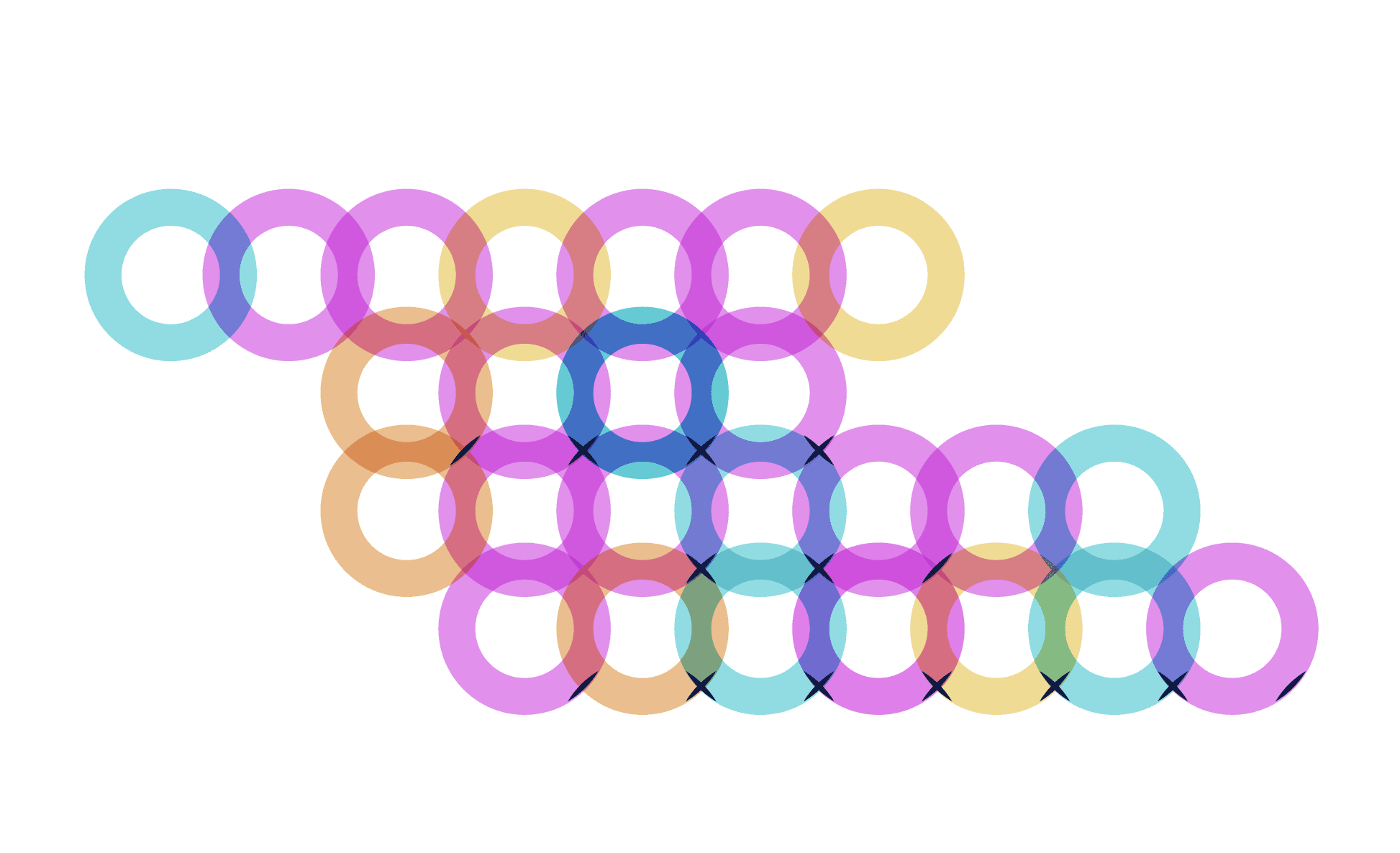
Then light became form
Building on that, I created a system of overlapping circles, inspired by the pixel grid. The intersecting areas generated new shapes and colors, visual metaphors for transformation, connection, and shared experience.
These became the basis for a central visual motif: a beam-like path of softly glowing circles, reminiscent of a sun flare captured on camera. It suggests a point of focus, a shift in perception, and a moment of insight.
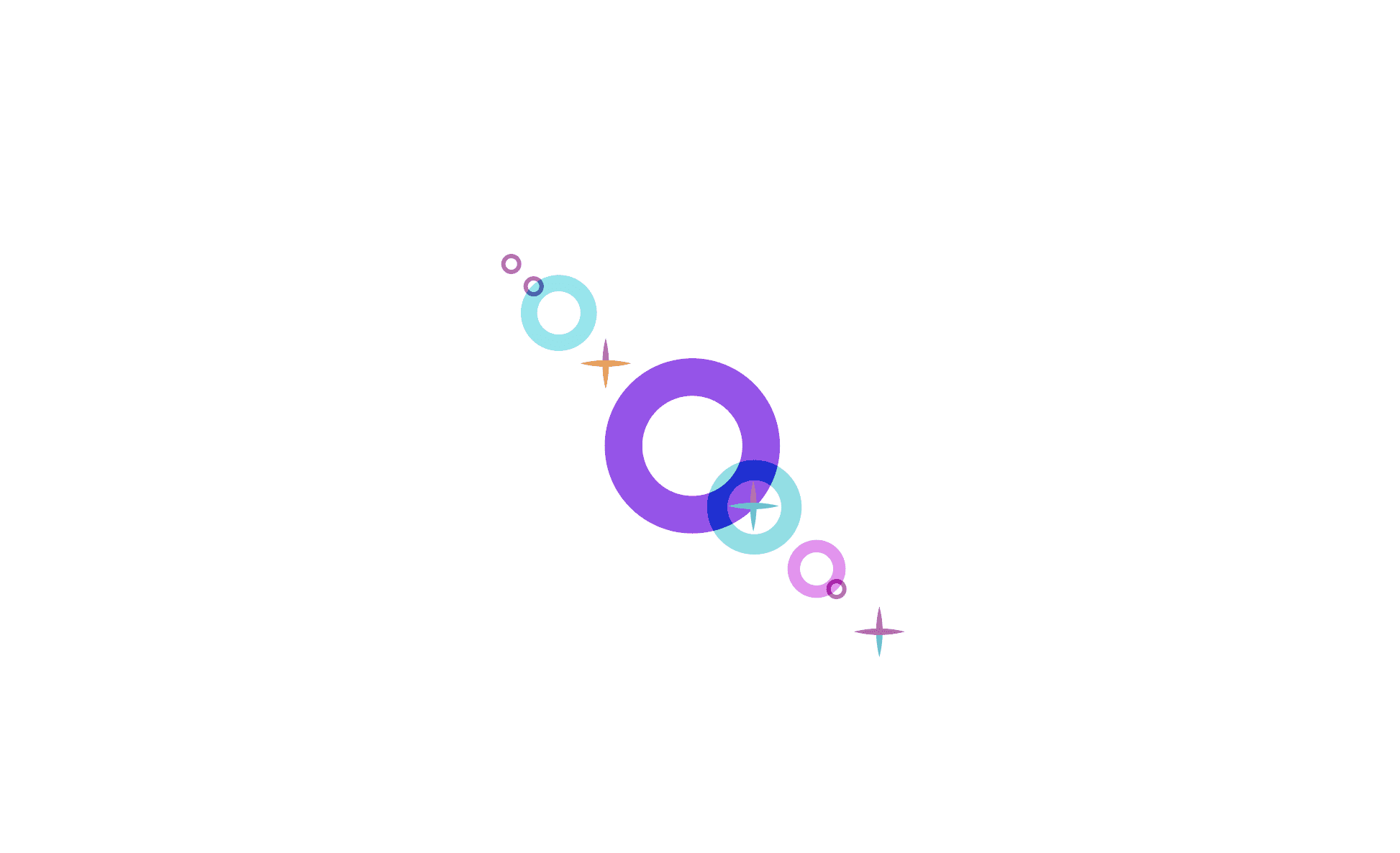
This metaphor aligned perfectly with the app’s core values: openness, reflection, and the subtle power of small internal changes. A slight movement of thought, of light, of perspective, can change the entire picture.
Design system
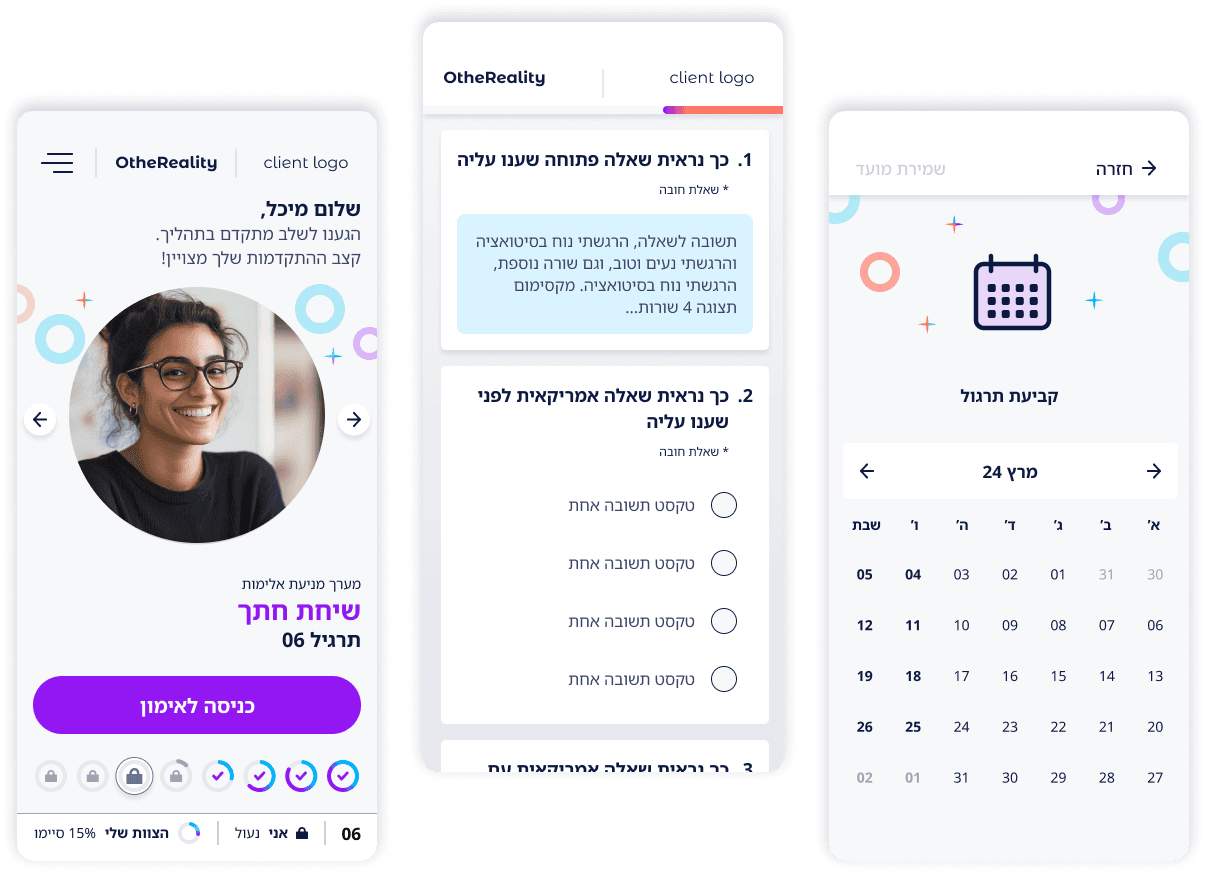
Selected screenshots

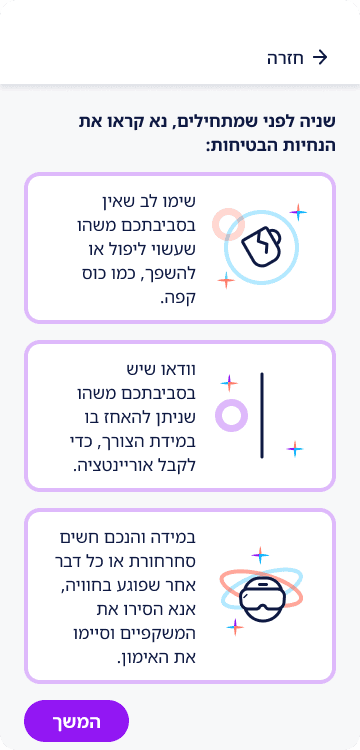
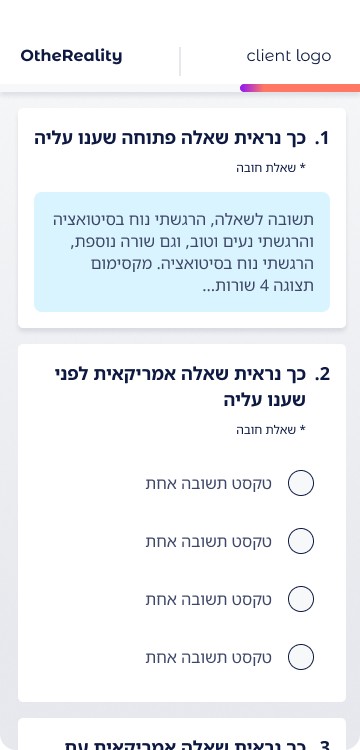
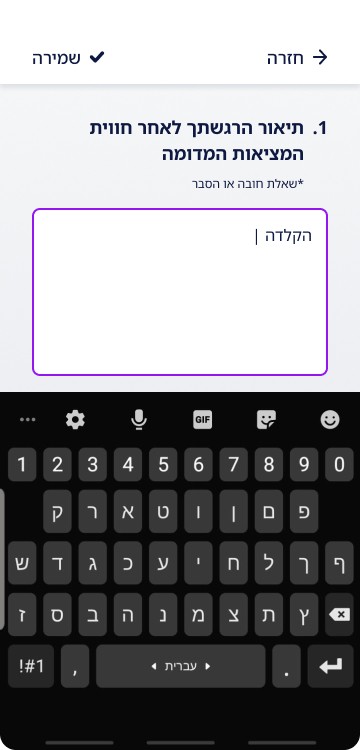
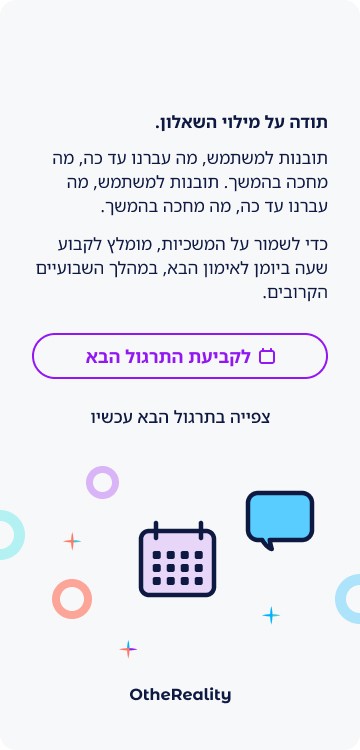
5.0 Screens